Collect where the family already is.
Payments run on GoDaddy Payments and Poynt, enabled per practice. Card details are tokenized by the processor; HoYS stores tokens and metadata, never raw card numbers.
Official payments partner
Payments powered by GoDaddy
Every card, wallet, ACH, and terminal transaction runs on GoDaddy Payments and Poynt, a PCI-compliant processor trusted by millions of businesses worldwide. Health of Your Space never touches raw card numbers; the processor tokenizes them and we store only tokens and metadata.
PCI DSS compliant processing
Tokenized card data, never stored by HoYS
Bank-grade settlement and reporting

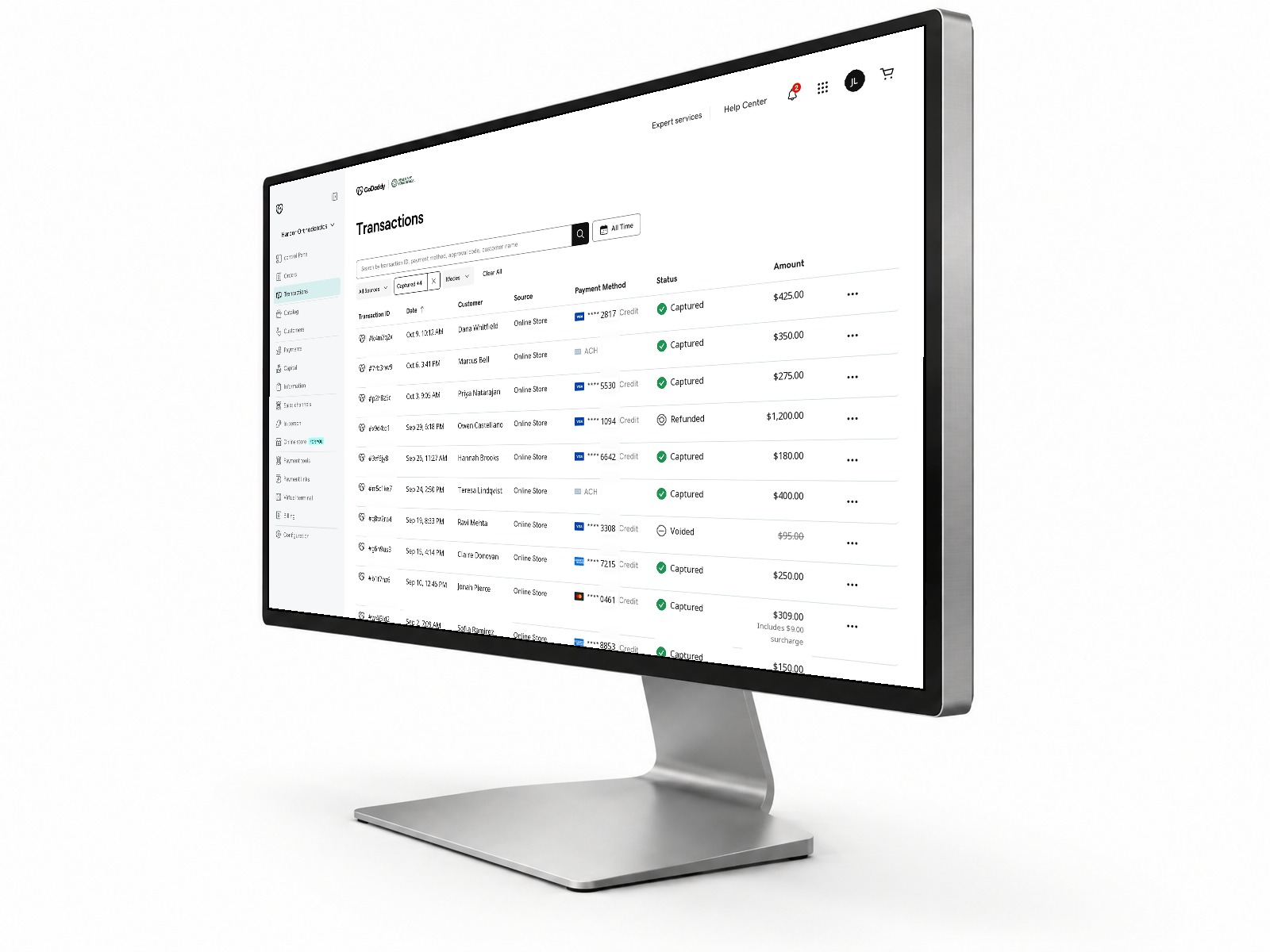
Your GoDaddy dashboard
Every transaction, in one place.
HoYS does the heavy lifting, so nearly everything happens right in HoYS Payments: taking payments, saved cards, autopay, terminals, and posting to the Dolphin ledger. When you want a deeper look, your own GoDaddy commerce dashboard is there too. Search transactions, see what was captured, refunded, or voided, and keep an eye on deposits, without calling anyone.
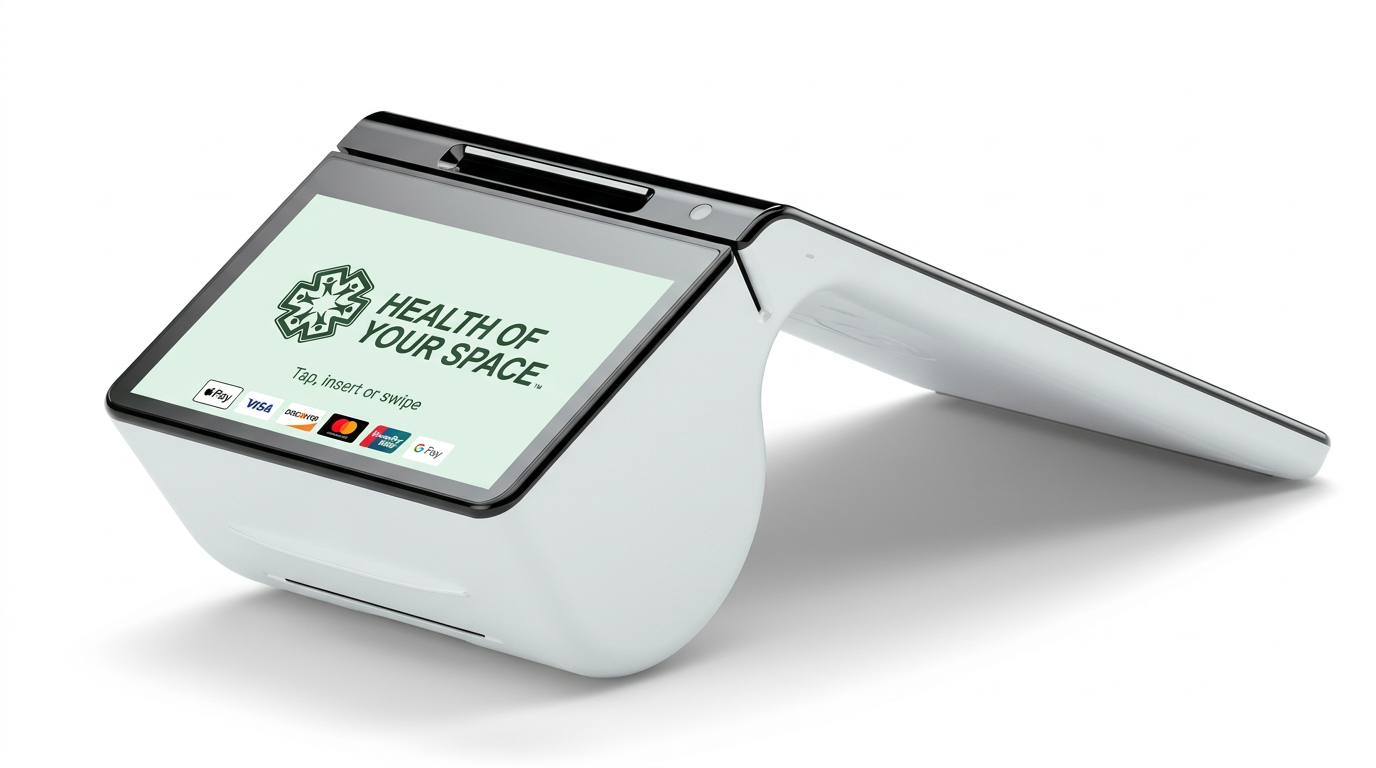
In-office terminals
Charge in the app or at the counter.
Take payments right inside HoYS, or hand families a terminal at the front desk. The Smart Terminal Duo has two screens: families see one, your team sees the other. It includes a built-in payment processor, scanner and printer, and every charge ties back to the same patient record in Dolphin. Several terminal models are available, and we help you pick the right one for each office.
Three ways money comes in
Patient portal
- 01Card, digital wallet, and ACH
- 02Save a method for later
- 03Enroll in autopay
- 04See balances and payment history
Front desk
- 01Charge a saved method with role limits
- 02Take a new payment on the spot
- 03Refunds and voids
- 04Full transaction history
Terminal
- 01Poynt terminals in the office
- 02Tied to the same patient record
- 03Location-aware merchant routing
- 04Receipts follow the same branding
Optional posting back to Dolphin
When enabled, completed payments can post to the Dolphin ledger so the financial picture in the chart matches what was actually collected. Billing parties and balances stay Dolphin's system of record.
Autopay
- 01Scheduled recurring charges
- 02Saved-method management
- 03Patient-visible enrollment state
- 04Staff visibility on the patient record
Card on file
- 01Optional requirement during online booking
- 02Tokenized by the processor
- 03Reusable for balances and autopay
- 04Removable by the family
See it running against your Dolphin data.
A demo covers intake, the Dolphin write-back, messaging, online scheduling, and payments, mapped to how your offices actually work.